
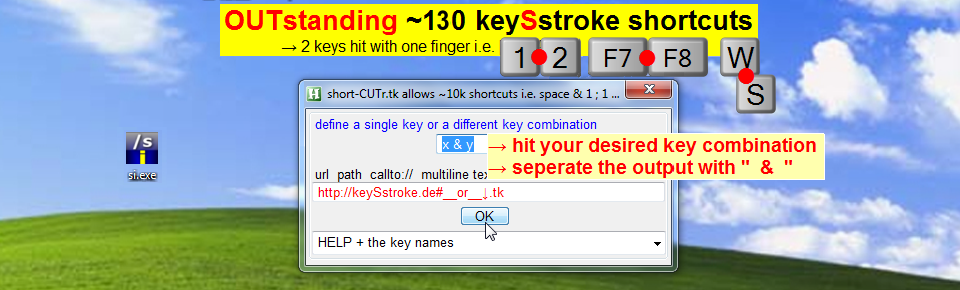
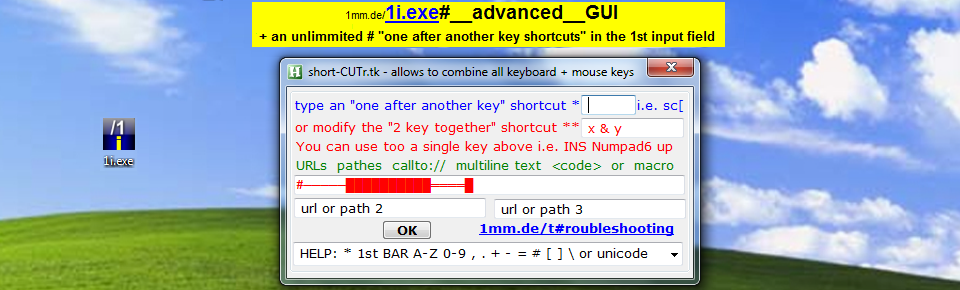

To retrieve pathes via a key combinations
the shortcut must start with a modifier key.
TESTED keySstrokes ~Rctrl & left:: ~ctrl & shift::
#x:: ; or ~Lwin & x::
highlightedPATH := GetSelectedPath()
Clipboard := highlightedPATH
return
GetSelectedPath()
{
FileName =
AlterClipboardcontent := ClipboardAll
Clipboard =
Send ^c
ClipWait, 1
If (FileExist(ClipBoard))
{
FileName := ClipBoard
}
ClipBoard := AlterClipboardcontent
Return FileName
}